Version 0.1.0 · Windows
URO Board Designer
The program we design every URO with. Outline, rocker, rails, foil boxes, finish, dimensioned drawing and STL for the CNC. And if you'd rather talk, ask your AI and watch it build live.
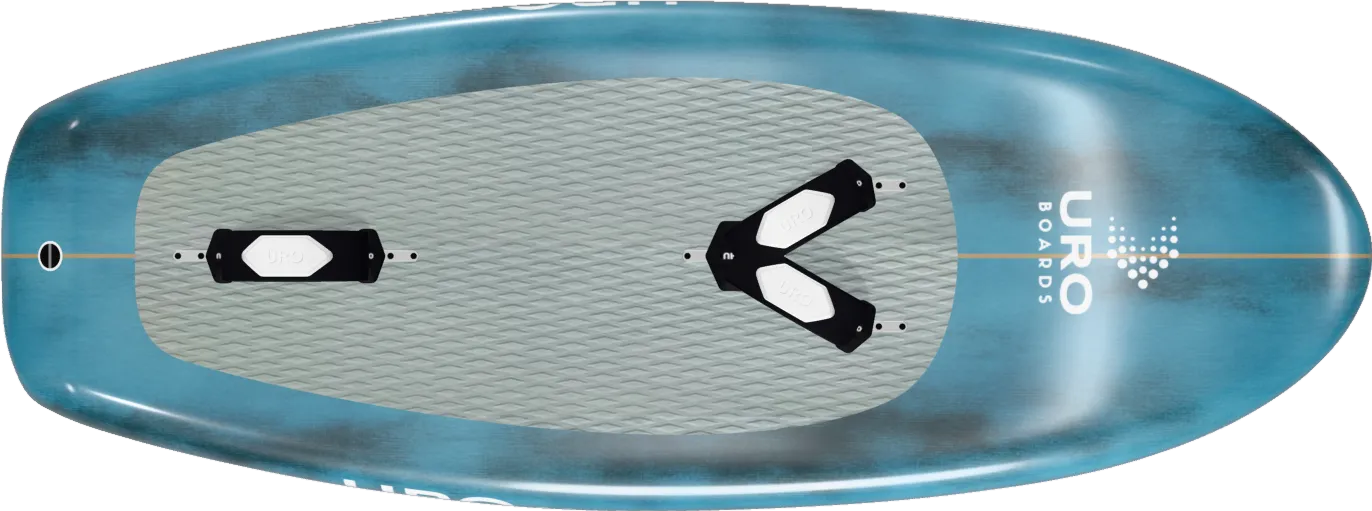

- open and save
- .s3dx · .stl
- tools for your AI
- 65
- languages
- 5
Everything it does, at a glance
-
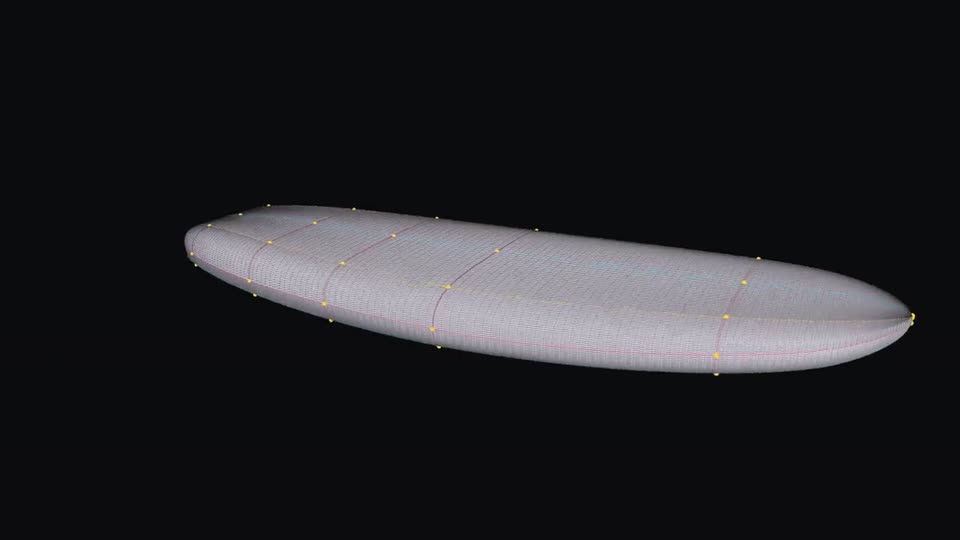
Open any board
Shape3d .s3dx or STL. Spin it, measure it, slice it and compare it to the millimetre.
-
STL ⇄ .s3dx From mesh to editable design
Turn an STL into a .s3dx you can edit curve by curve. And the other way round.
-
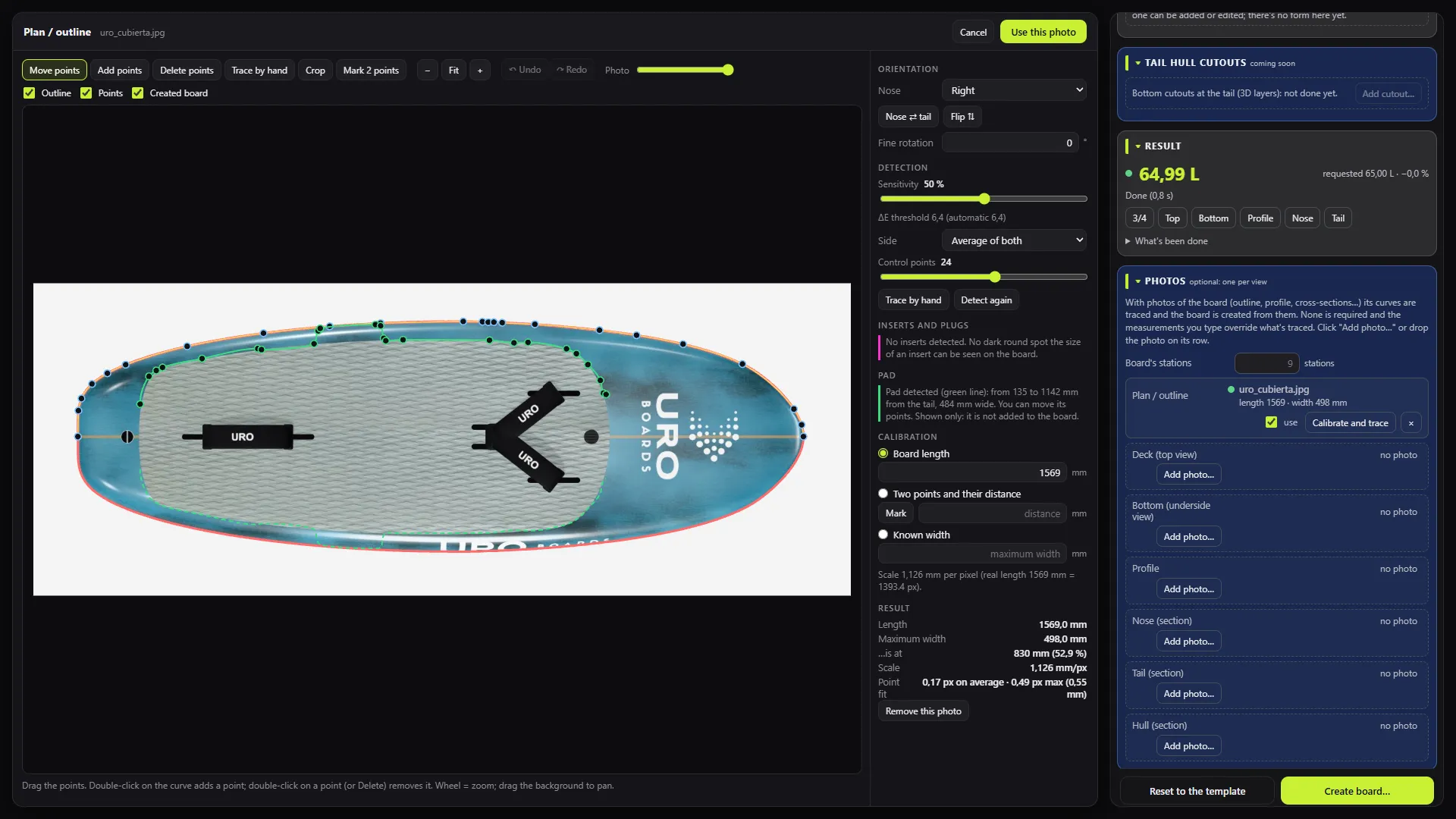
Copy it from photos
Trace the outline and profile over photos of a board.
-
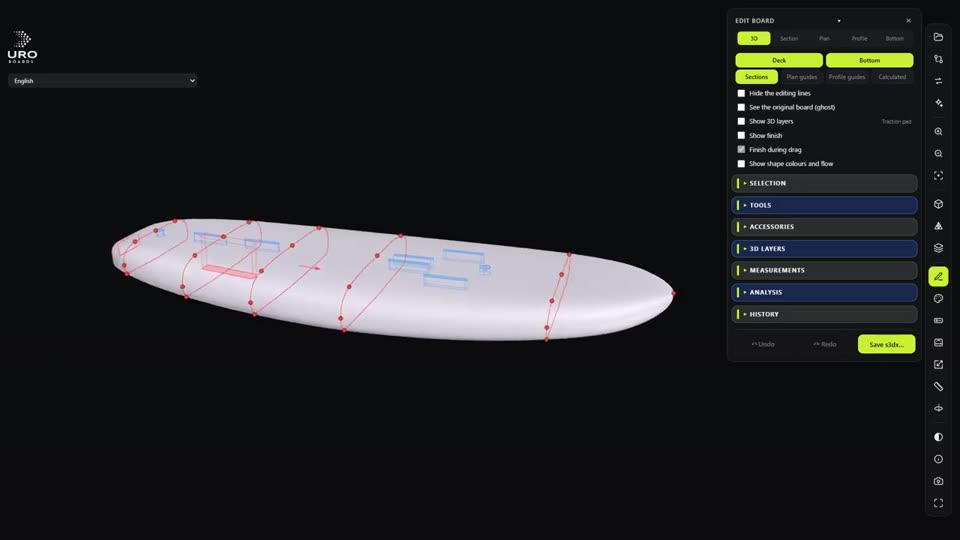
Shape it like in the workshop
Rocker, rails, V and concaves, bulb and the foil flat zone, with the litres updating live.
-
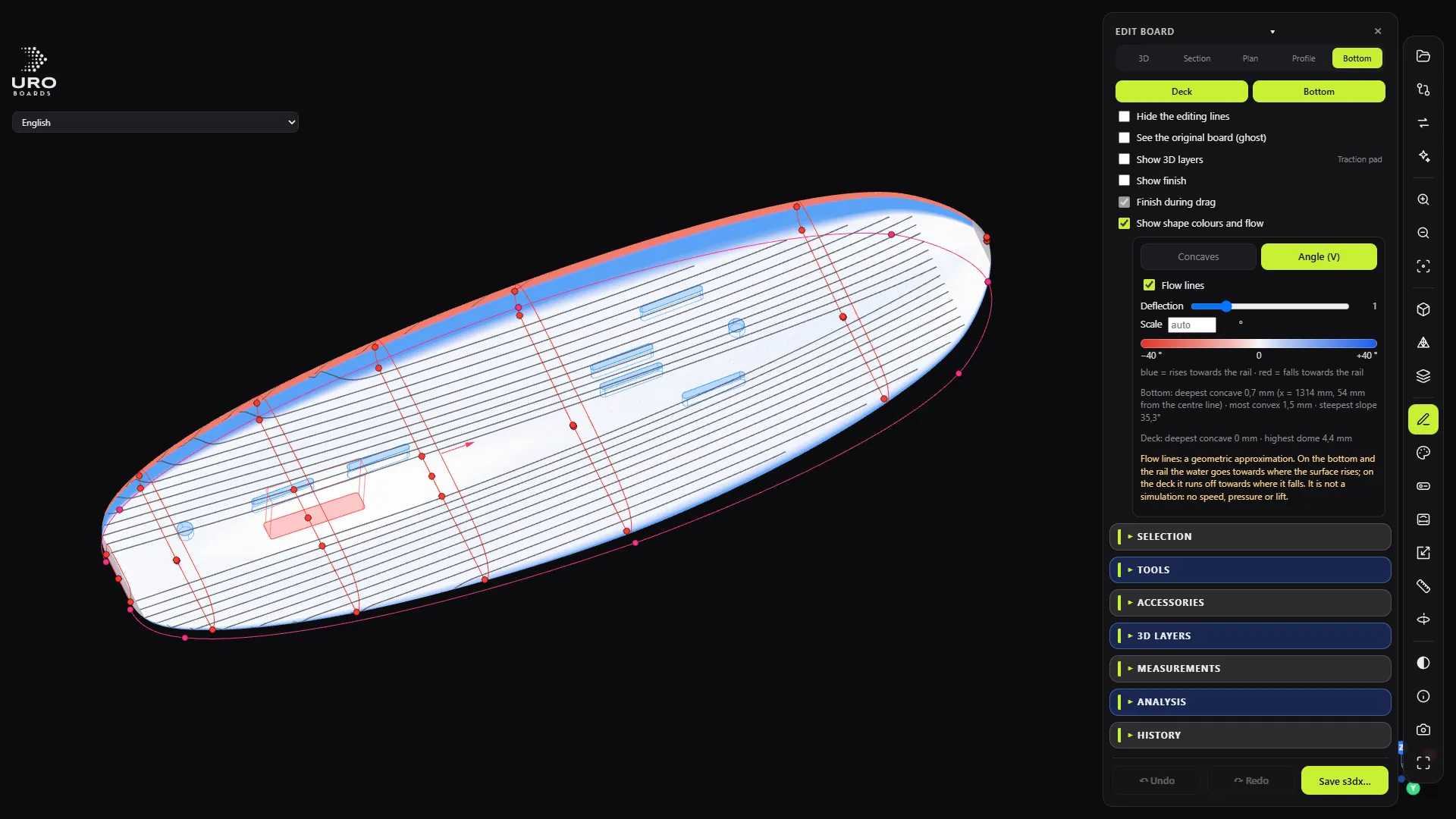
Read the water
The colour-coded hull, with flow lines.
-
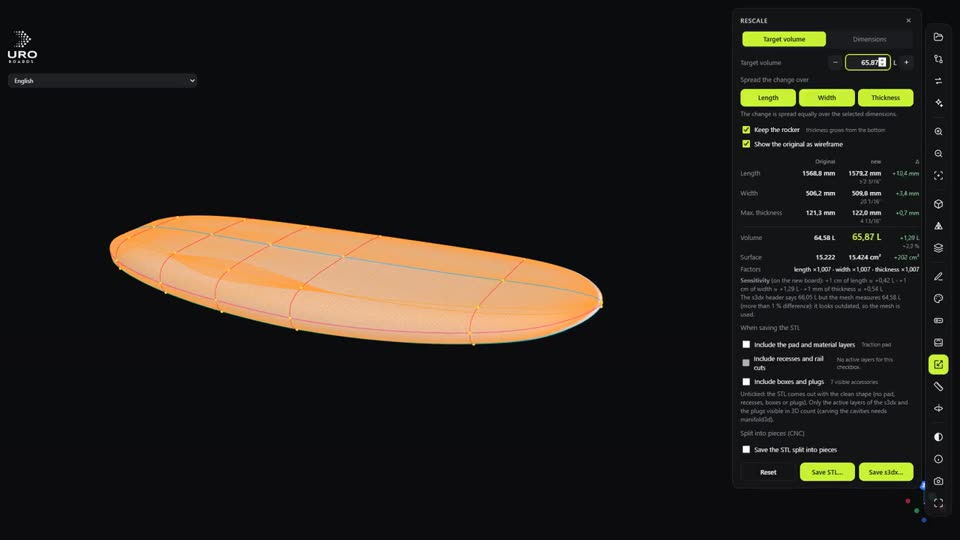
Another size in no time
Rescale to other volumes while keeping the rocker.
-
17 · 12 fittings and footstrap styles
Foil boxes, inserts, handles and vent valve, seated on the surface.
-
1:1 From file to machine
Dimensioned drawing in PDF and SVG, and a clean STL, split into pieces for your CNC.
-
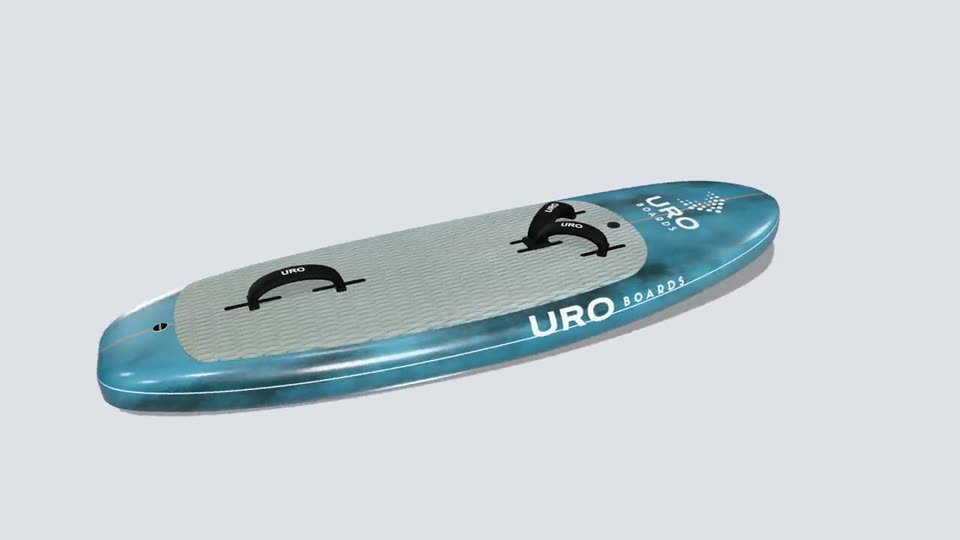
The product shot, before you cut any foam
Colours, logos, deck pad and pinlines. Renders up to 8K, ray-traced.
-
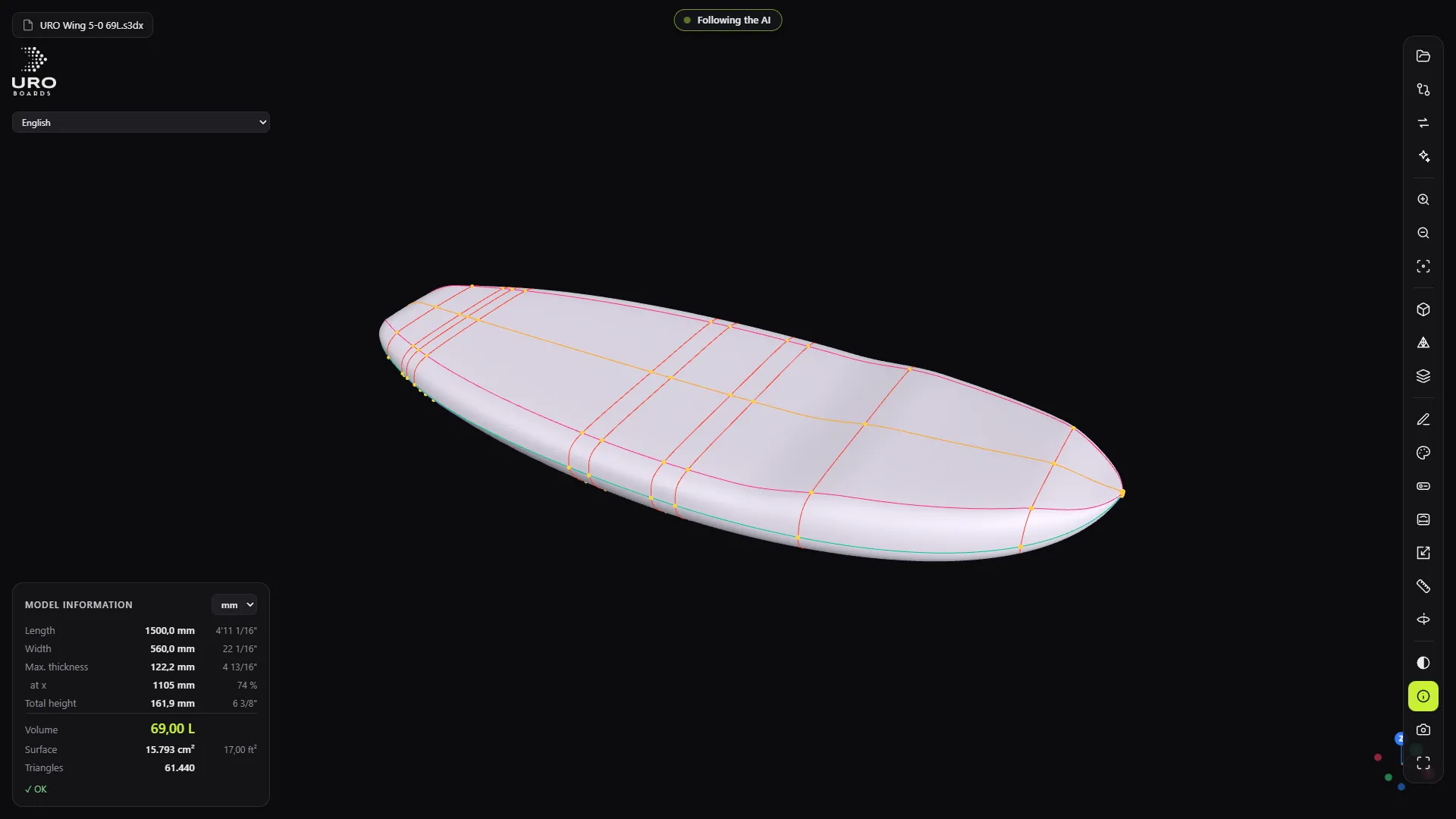
Tell your AI
65 tools for Claude and any MCP client. The window shows every step live.
-
5 languages, and offline
Spanish, English, French, German and Italian. No internet needed to design.
Video tour of URO Board Designer
Narrated in English. Interface in English, Spanish, French, German and Italian.
Design · Shape · Finish · Build
-
Start from measurements, a template or photos
Type in length, width and litres and the board appears. Or start from a wing foil, surf, windsurf, kite or SUP template. Or copy it from photos: the program traces the outline and the profile over the image.
- Create from measurements
- Wing foil, surf, windsurf, kite and SUP templates
- Copy a board from photos
- Open .s3dx and convert STL to editable .s3dx
-
Shaper's tools, not generic CAD
Thickness, rocker, tail kick, rails, V and concaves, deck, bulb and the foil flat zone. Every change instantly shows volume, length, width and thickness against the original, and the colour-coded hull shows where it channels the water.
- Point-by-point editing of every curve
- Colour-coded hull with flow lines
- Rescale to other volumes while keeping the rocker
- Compare two boards in millimetres
-
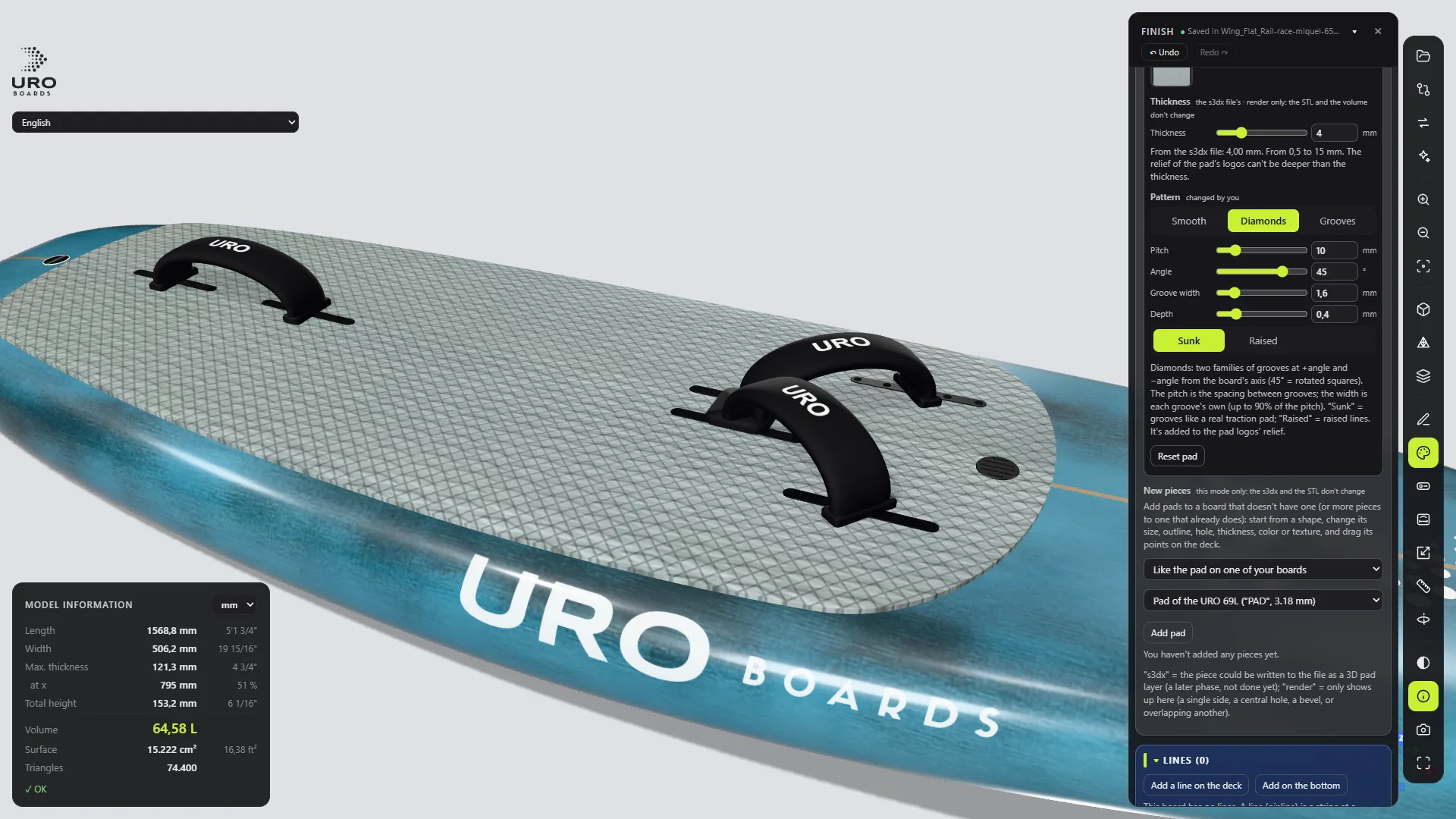
Dress the board and take its product shot
Colours, logos, a deck pad with its own pattern, pinlines, footstraps and hardware. The render comes out as a product photo, up to 8K and ray-traced, ready to show the customer before a single gram of foam is cut.
- Hardware catalogue: foil boxes, inserts, handles, vent valve
- 12 footstrap styles
- Scenes and lighting
- Renders up to 8K
-
From file to machine
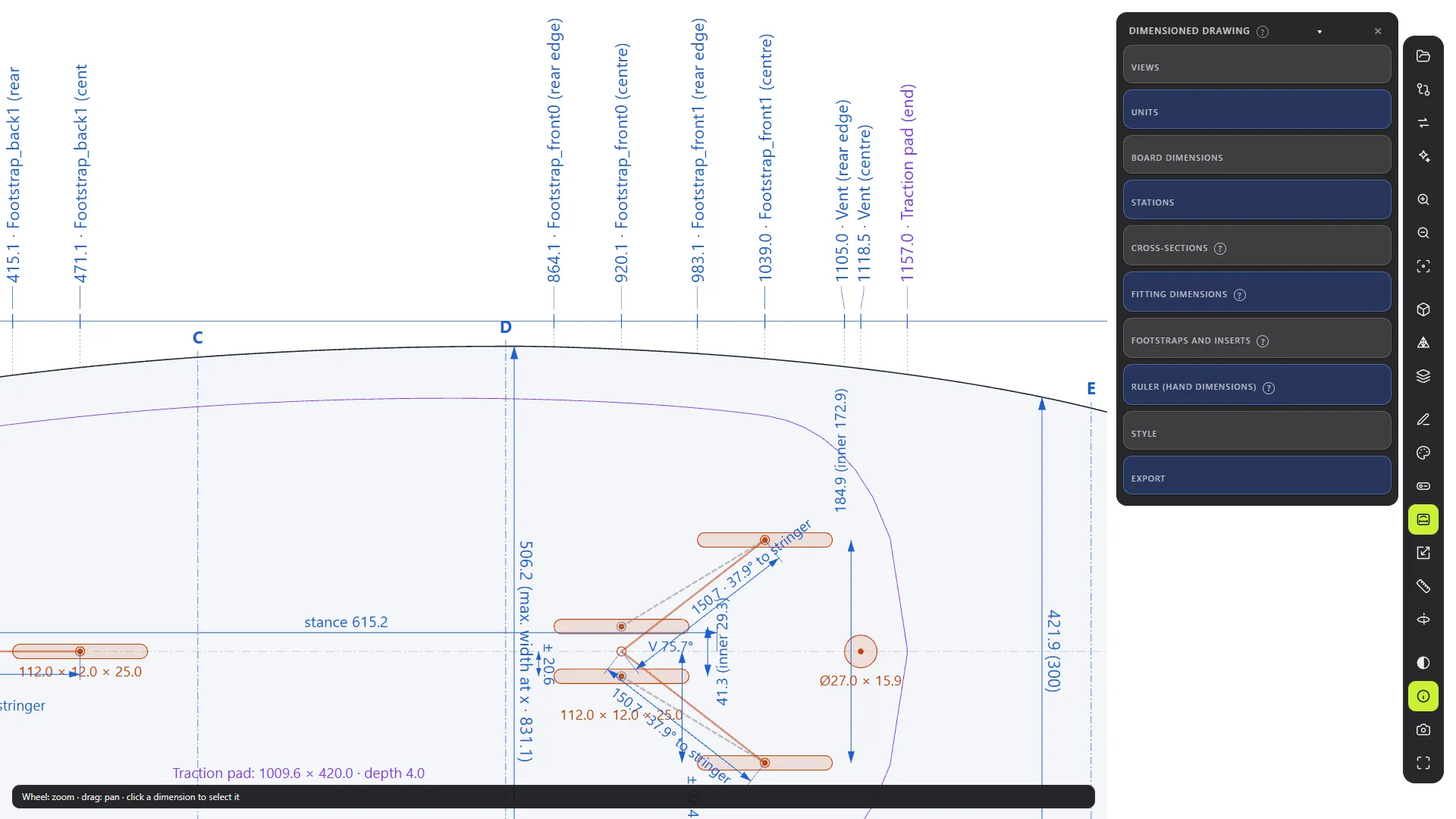
A 1:1 dimensioned drawing in PDF or SVG with every measurement and fitting, and a watertight STL in millimetres, split into pieces for your CNC if needed. It's what we use to cut our own boards.
- 1:1 dimensioned drawing in PDF and SVG
- Clean STL, with or without layers
- STL split into pieces for the CNC
- Box and plug recesses carved in
Tell your AI. Watch it build.
Board Designer comes with 65 tools so Claude Desktop, Claude Code, VS Code or any MCP client can design with you. Describe the board and the window shows every step live: you can pause it, correct it and take over.
“Create a 5'0" 69-litre URO wing foil board.”
Join the waiting list
We're opening Board Designer up to riders and shapers. Leave us your email and we'll let you know when places open up.
Windows 10 or 11 · per-computer licence, transferable to another computer · without a licence you can still open and view boards